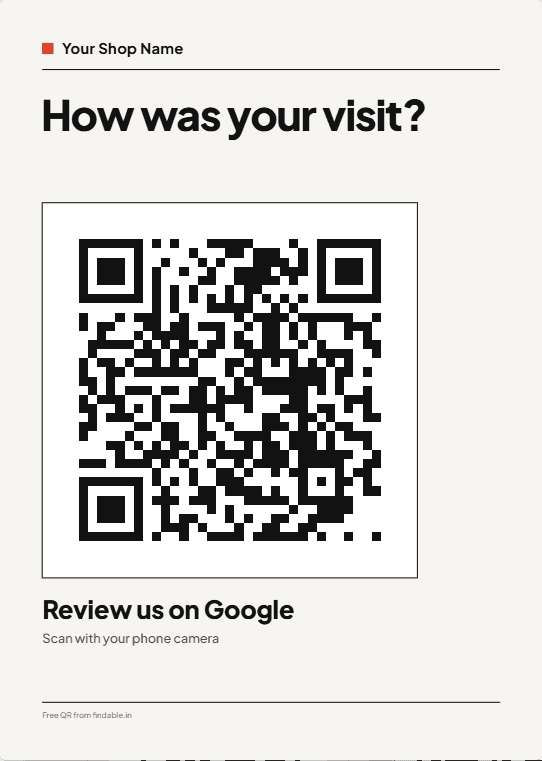
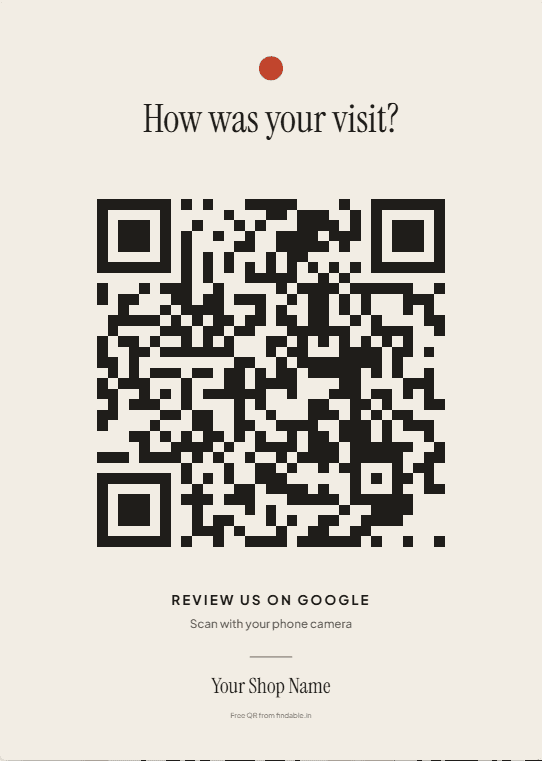
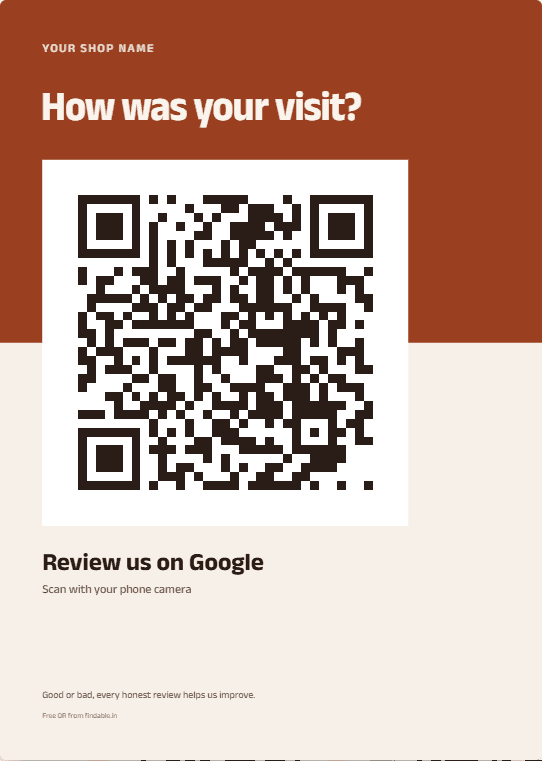
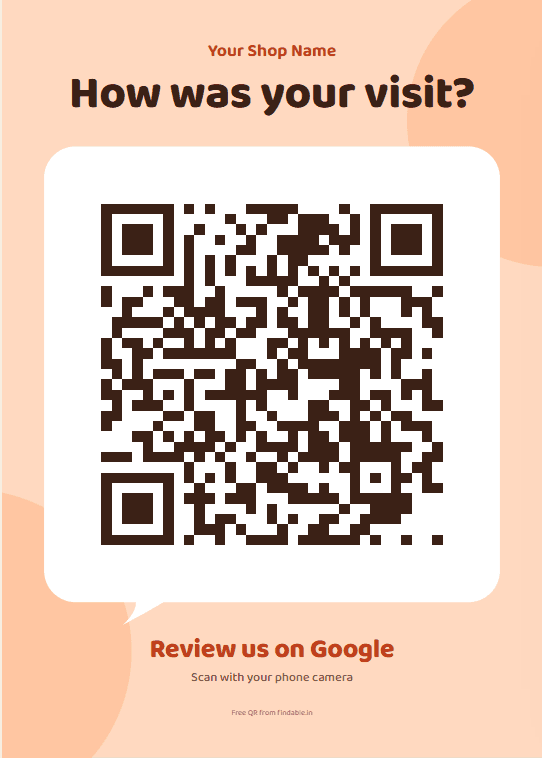
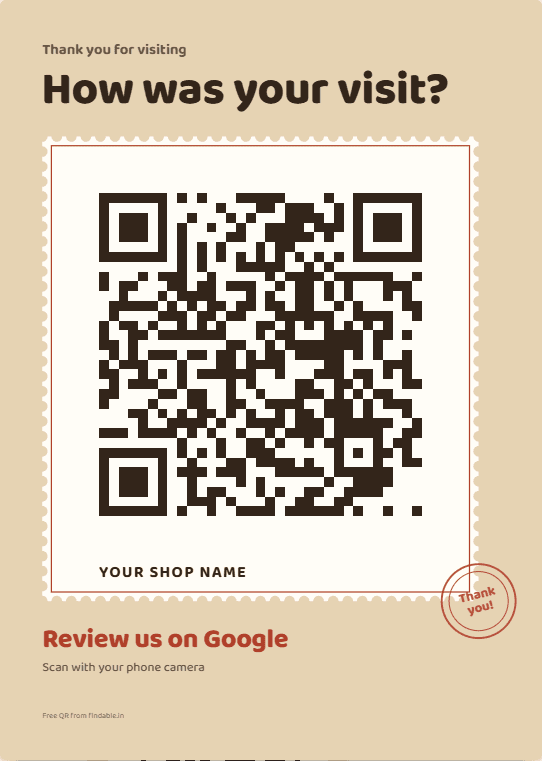
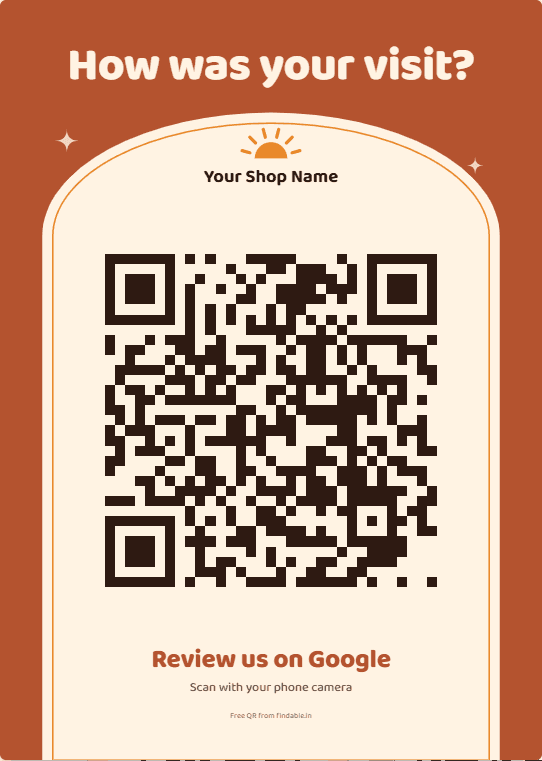
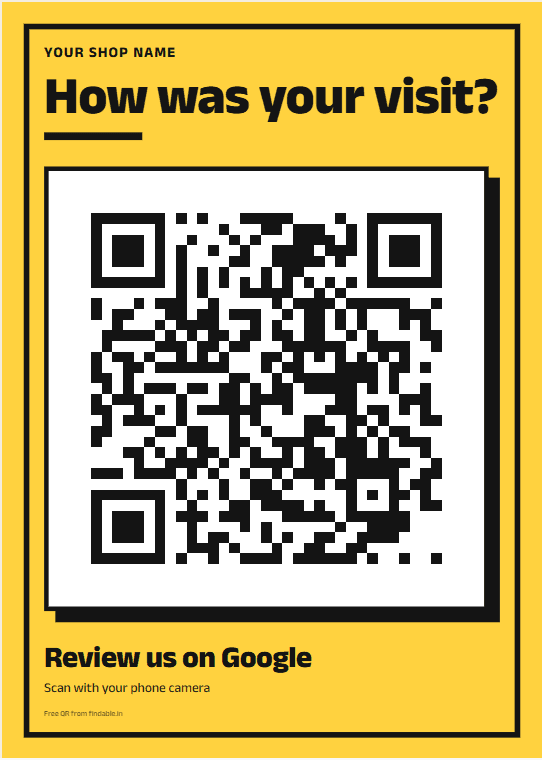
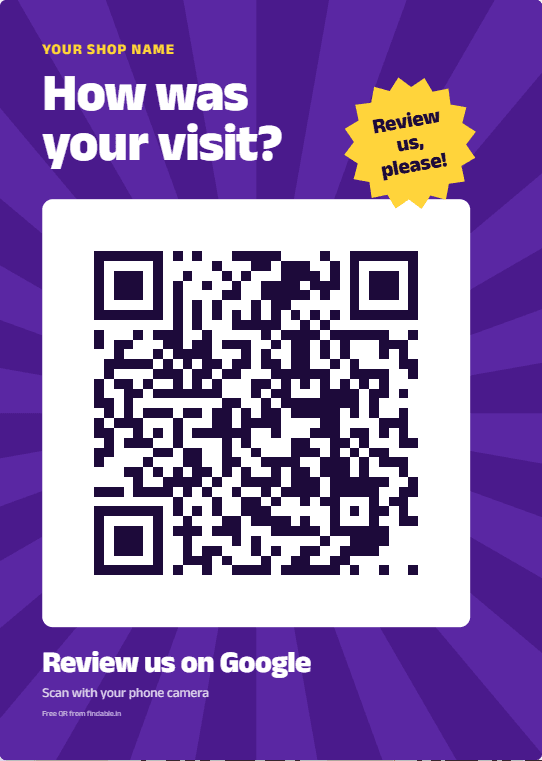
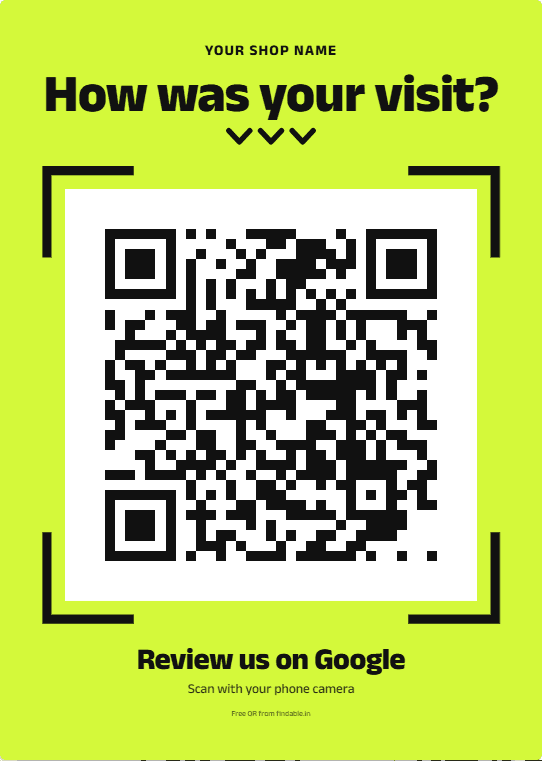
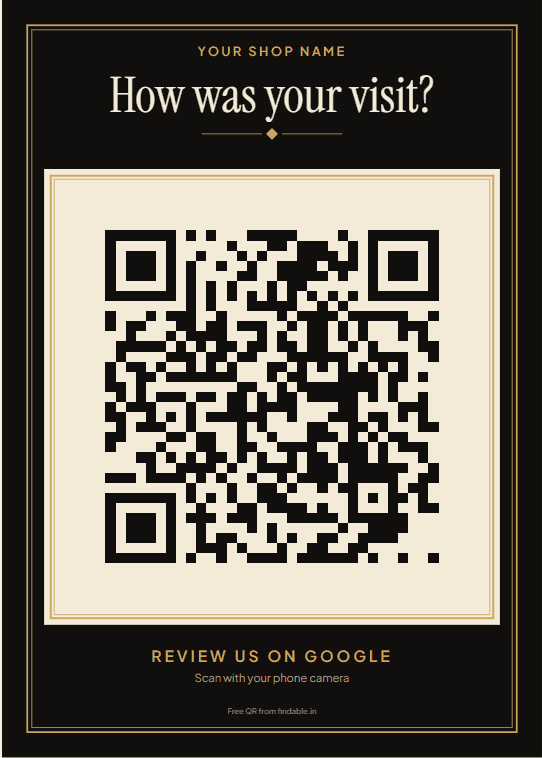
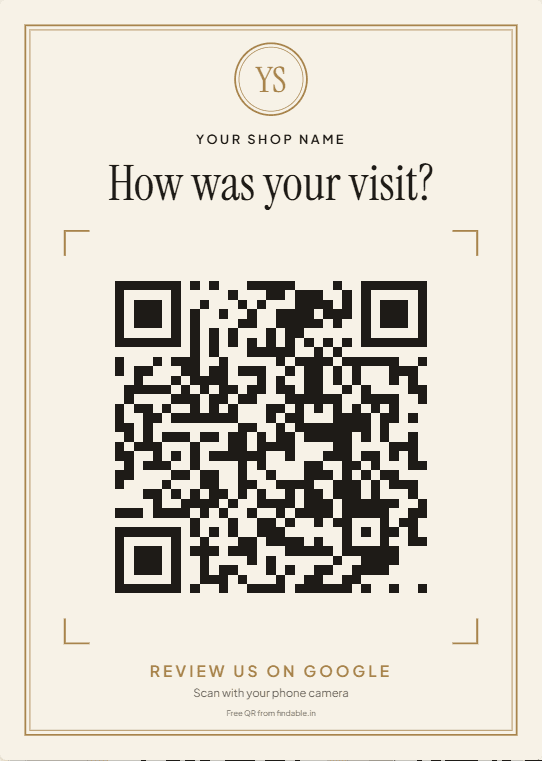
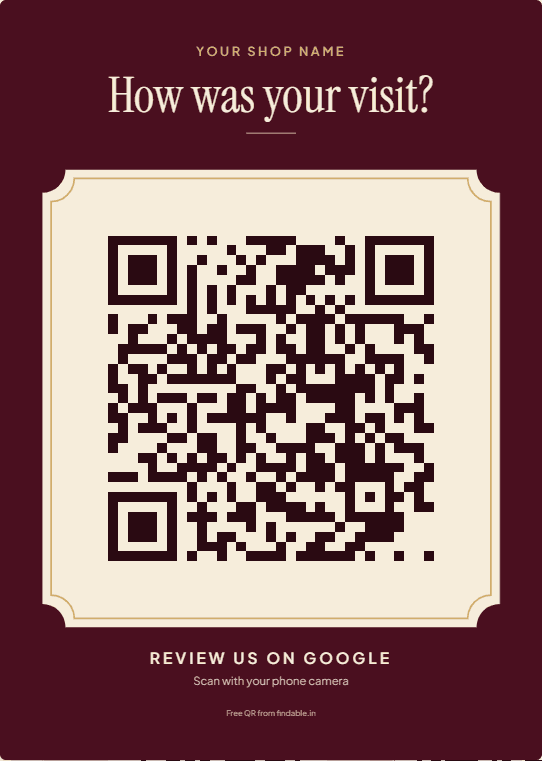
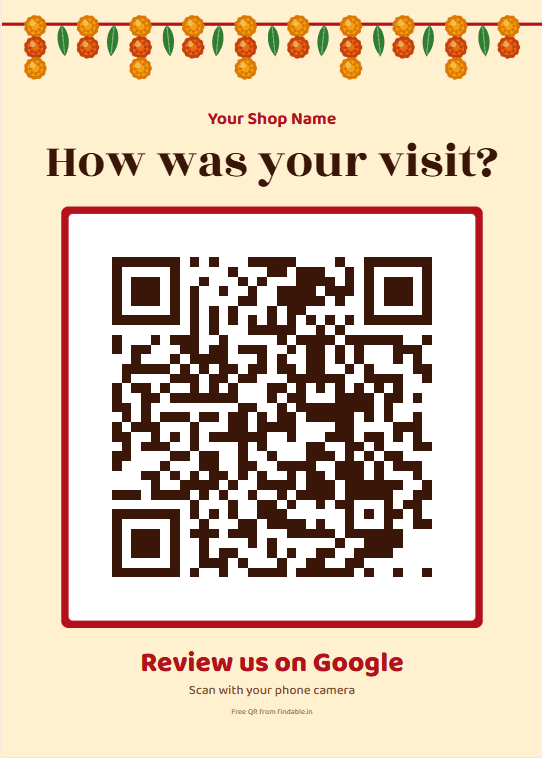
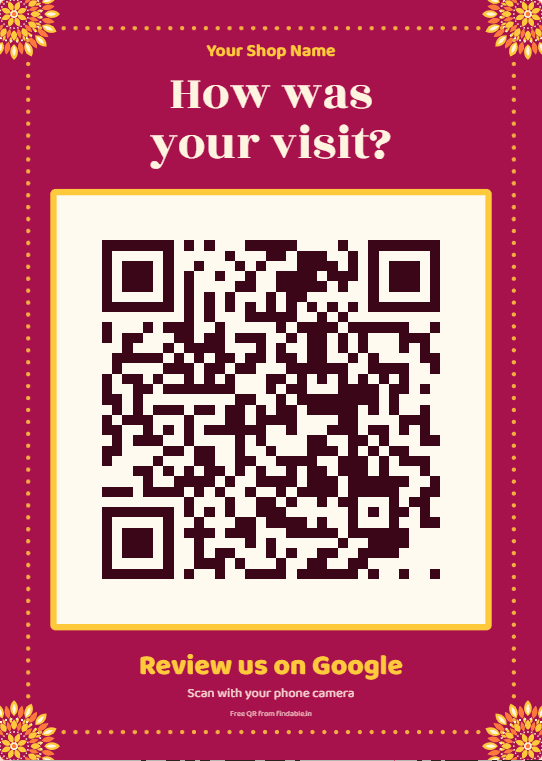
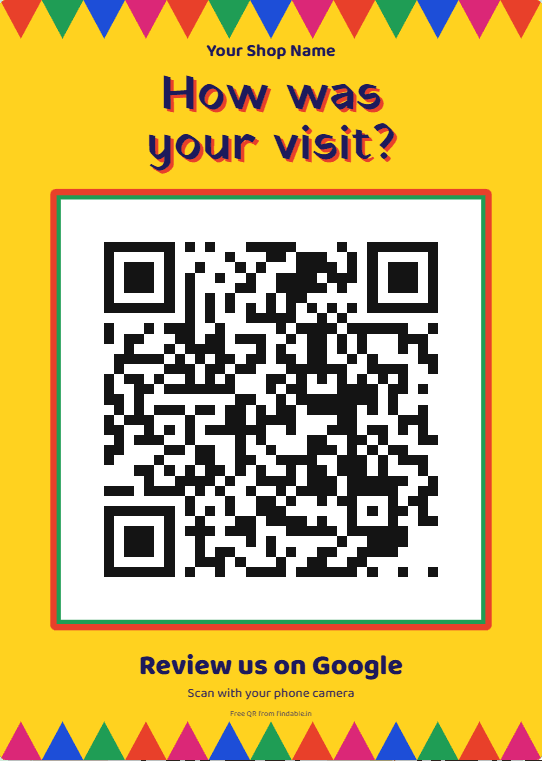
Standee sizes and files
Every design comes in these sizes and files.
A5 counter standee
148 × 210 mm
- Finished size. The artwork has 3 mm bleed on each side (154 × 216 mm) for the print shop to trim off.
- File: print-ready PDF.
- Paper: one A4 sheet, printed at 100%, cut on the corner marks. Thick card (300 gsm or more) stands best.
Table tent
148 × 105 mm per face (A6 landscape)
- One A5 sheet (148 × 210 mm) folded in half across the middle, so the design shows on both faces. 3 mm bleed.
- File: print-ready PDF with crop and fold marks.
- Paper: one A4 sheet, printed at 100%, cut on the corner marks, folded on the fold mark.
Sticker
70 × 70 mm square
- For a door, a till or a takeaway bag. 2 mm bleed.
- File: PNG, about 400 dpi.
- Paper: adhesive sticker paper, printed at 70 mm across.
The QR on its own
Any size you print it at
- For bills, packaging or your own artwork.
- File: PNG and SVG.
Printing tips
- Print at 100% (“Actual size”), not “Fit to page”, so the sizes above stay true.
- Keep the QR at least 3 cm across.
- Avoid a glossy finish under a tube light: glare can stop the code scanning.
- Scan it with your own phone before you put it out.
Where to put it
- By the till. The moment someone pays is the best moment to ask. Stand it at eye level, angled toward the customer.
- On tables. A folded table tent gets scanned while people wait for food or the bill.
- On the bill or the bag. Print the QR on the bill, or stick the sticker on takeaway bags and boxes.
More ideas, including WhatsApp after a delivery, are in the guide on the free QR tool page.
Google review standee kaise banaye?
- Neeche kisi design ke “Use this design” button ko dabaiye.
- Apni dukaan ka naam aur area likhiye, jaise “Gupta General Store, Pitampura”, aur list se apni dukaan chuniye.
- Check kariye ki naam aur address sahi hai, phir “Yes, make my QR” dabaiye. Aapka review link aur QR ban jayega.
- Hindi, Hinglish ya English chuniye, aur standee, table tent ya sticker download kariye.
- PDF ko kisi bhi print shop pe A4 pe 100% size mein print karwaiye, corner marks pe kaatiye, aur apne phone se QR scan karke check kariye.
What the standee should say
Ask everyone, the same way. Don’t offer a discount or a gift for a review, and don’t write “5 stars please”. Google’s rules don’t allow either, and reviews collected that way can be removed. Our designs ask “How was your visit?” and say that good or bad, every honest review helps. Staff can say it too:
“If you have a minute, could you scan this and tell us on Google how it was? It really helps a small shop like ours.”
“We’re always trying to do better. An honest review on Google, good or bad, helps us a lot.”
“अगर एक मिनट हो, तो ये कोड स्कैन करके Google पर बताइए कि आपको कैसा लगा। हमारी छोटी दुकान की बहुत मदद होती है।”
“आपकी सच्ची राय हमारे लिए ज़रूरी है। अच्छा लगा हो या नहीं, Google पर ज़रूर लिखिए।”
Google’s rules in full, in plain words, are on the free QR tool page.
Questions
Is it free?
Can I print it at any print shop?
What size should I print?
Can I add my logo?
Does the QR expire?
Can I offer a discount on the standee for reviews?
Ready to print one?
Find your shop, pick a design and download the PDF. It takes about a minute.
Want customers to write detailed reviews, not just scan? Findable can help with that.